
How to Read Your Server Logs for AI Crawler Activity
Your access log is the only place that tells you whether AI crawlers reach your site at all. One grep, four columns, and you know more than any dashboard will tell you.
Before you invest in fixing your AI visibility, you need to know where you actually stand. This category collects free, self serve methods for checking whether AI tools recognize your brand, why you might be losing deals to a competitor AI keeps recommending instead, and what a proper AI visibility audit checks for. Start here if you suspect a problem but have not confirmed it yet, or if you want to run your own audit before deciding whether to bring in outside help.
Your access log is the only place that tells you whether AI crawlers reach your site at all. One grep, four columns, and you know more than any dashboard will tell you.
It is almost never that their product is better or their content is stronger. Four causes explain most cases, three of them are fixable in weeks, and you can tell which one you have this afternoon.
The two look identical from the outside and cost an order of magnitude apart to fix. Four tests that separate them in an afternoon, and what each answer commits you to.
Twenty fixed questions, four engines, two runs each, logged out. It takes an afternoon, costs nothing, and tells you more about your AI visibility than most paid audits. The full set, with how to read what comes back.
One question, four rules, five possible answers. A five-minute triage test that separates an identity problem from a content problem before you spend anything.
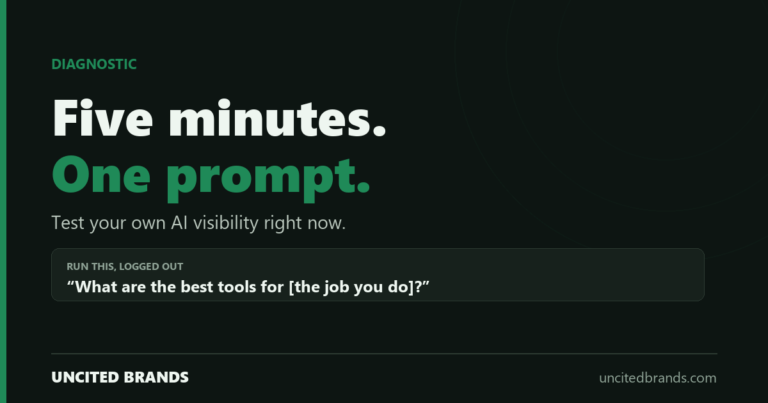
One unaided prompt, four rules for running it properly, and five possible results with what each one actually means.
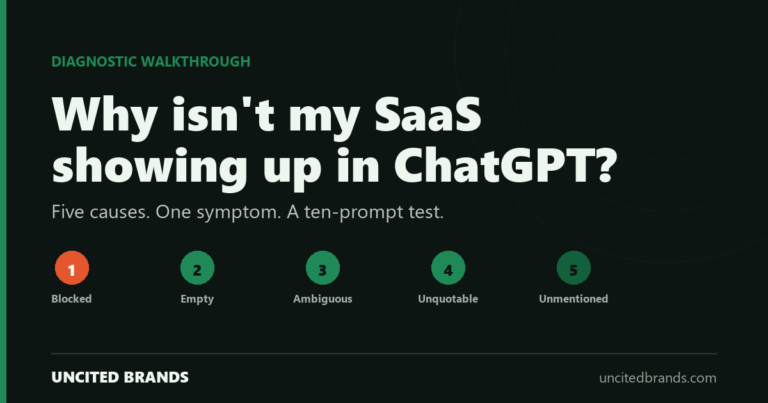
Five causes produce the same symptom. A ten-prompt diagnostic set, a way to read the results, and the causes in the order worth checking.